.svg)


%201.svg)
%201.svg)
%201.svg)



.svg)




.avif)
.avif)
.png)



.avif)




%20Data%20to%20Me_BLOG_1080x600.avif)


.avif)


.avif)


.avif)


.avif)


Copado AI

Between deadline sprints, system rollouts, and the never-ending game of bug-squashing, it’s no surprise that many DevOps teams feel like they’re always three steps behind.
But what if your platform could do more than just log issues and backtest deployments post-launch? What if it could proactively improve your workflows instead of passively supporting them?
If your DevOps team operates on Salesforce, that may already be possible, thanks to agentic AI.
By taking a closer look at the Salesforce AI agent software features available, many DevOps teams have saved hundreds of hours and eliminated the stress that comes from manually managing dev pipelines.
Let’s take a moment to do the same for you by identifying the best Salesforce live agent features to reclaim your team’s valuable time.
Many of today’s AI-powered “co-pilots” operate on a simple system: receive prompt, deliver text-based output.
AI agents, on the other hand, take a mission-oriented approach.
In other words, instead of the “prompt-then-answer” system that defines standard AI solutions like ChatGPT, agents can execute multi-step instructions. They connect with your software environment to enact changes in real-time, and with the full context of your knowledge base.
You might run an AI agent to:
And all of that without needing to feed prompts at every step.
For all the friction-filled, manual processes in your DevOps pipeline, there might be Salesforce AI agent software features capable of automating them.
Context switching and inefficient workflows chew up a significant chunk of the average developer’s workweek—10 hours or more, according to one report. Much of that time and mental energy is spent on manual efforts, such as:
For years, this was the status quo for DevOps teams. But the modern reality is that the work has grown too complex and too fast to manage purely by hand.
That is why AI agent features matter.
A well-structured Salesforce AI agent addresses each one of the above challenges (and many more) by:
The outcome? You replace friction and fire drills with smooth automation and data-driven decisions, buying back valuable time and headspace for your DevOps team to tackle more strategic projects.
How do these agents work in practice? Without digging too deep into the mechanics (devs already see plenty of that), Salesforce AI agents generally seek to accomplish three critical objectives:
Let’s walk through the “how” of each step by examining three core Salesforce AI agent software features.
As noted, AI agents excel at automating the essential but repetitive tasks that often clog the DevOps pipeline.
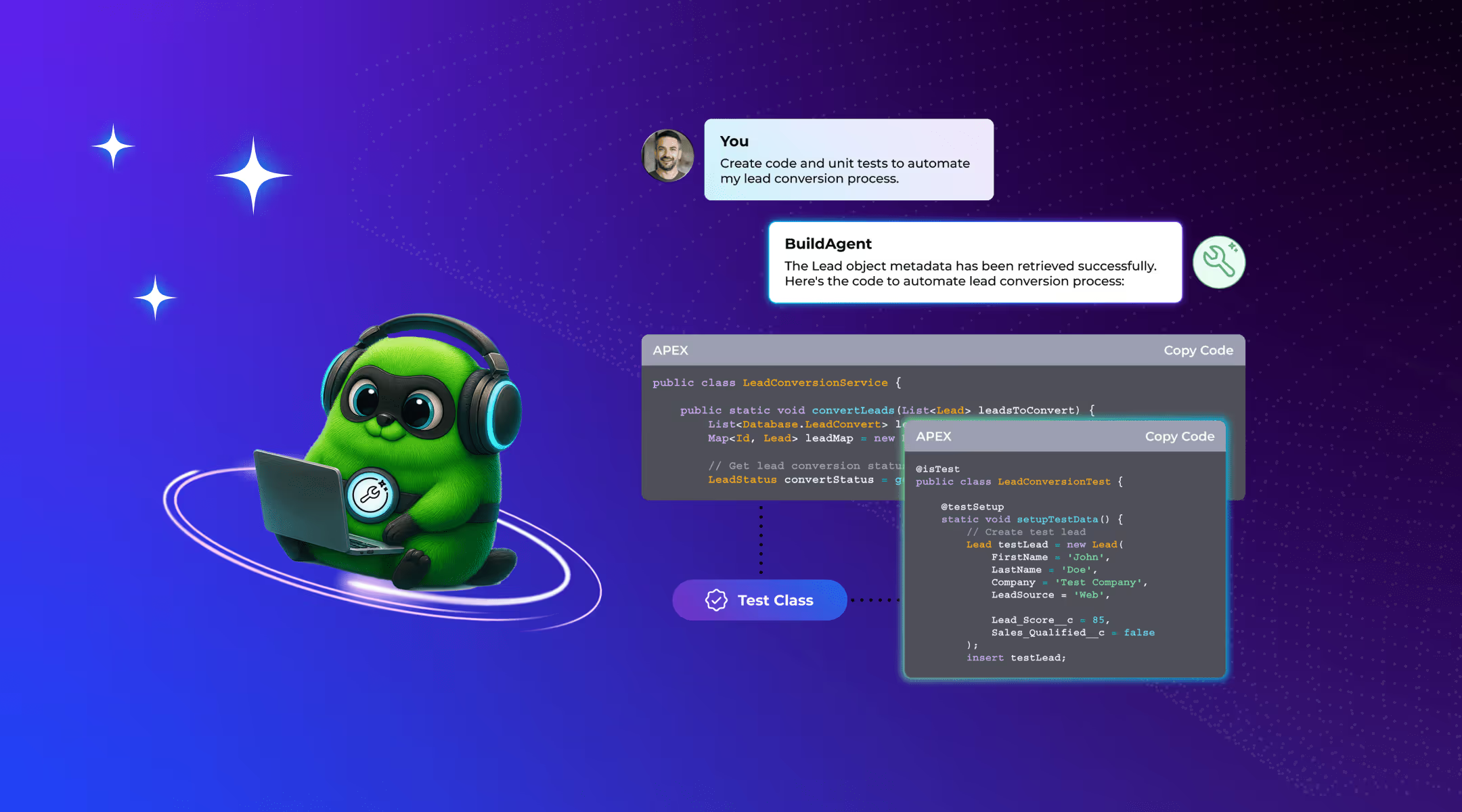
When supported by the right tools, here’s what that could look like in practice:
By taking ownership from start to finish (under proper supervision, of course), AI agents close the loop on coding workflows. That translates to faster deployments and fewer “dropped ball” moments during crunch time.
Most teams only discover risky changes after the damage is done, whether from a failed deployment or a spike in customer support tickets.
This is known as the “change failure rate,” or CFR. It’s a key metric that, according to Forbes, ideally sits between 0–15%.
Rather than patch up failures after they’ve already caused problems, AI agents flip the script. By continuously analyzing your Salesforce environment and historical data, a good agent can:
These advantages shift you from a reactionary to a proactive stance, reclaiming valuable hours and saving the stress of those late-night Slack messages when something goes wrong.
One key advantage of Salesforce-native AI agents is that they live and work inside the tools your team already uses. From high-level platforms like Agentforce 360 down to simple Salesforce Live Agent features, every workflow is grounded in your day-to-day reality.
In practice, this translates to agents that:
As noted, this means your agents are already “up to speed” on what’s happening with minimal training needed (for the AI or your team) to start reaping the benefits.
The biggest challenge to effectively using Salesforce AI agents across your org? End-to-end connectivity.
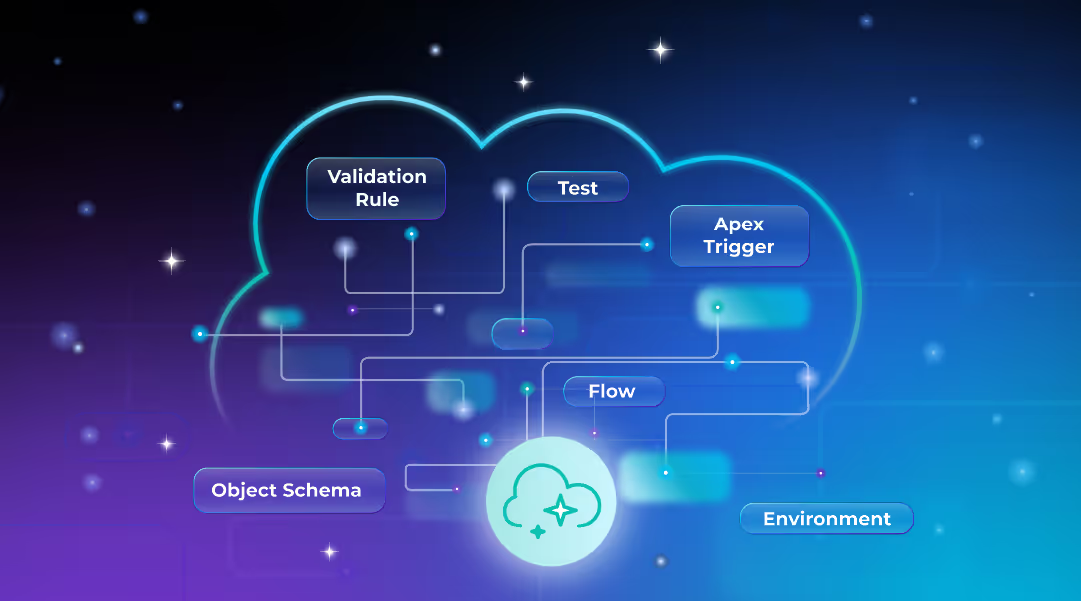
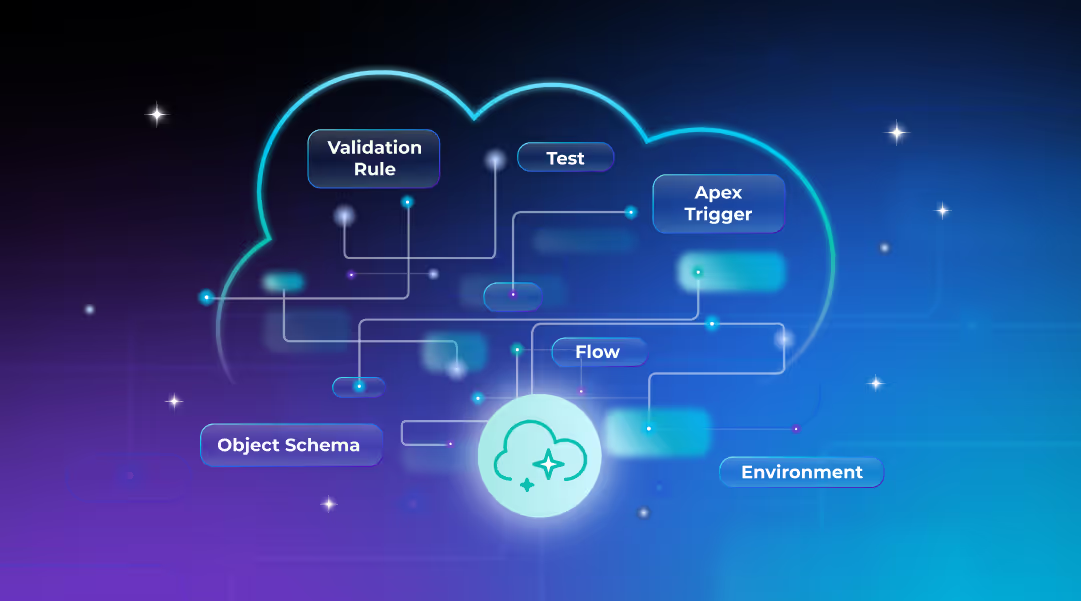
For Salesforce-native DevOps teams with years of customizations and overlapping automations, releasing Salesforce agents into the ecosystem creates “invisible” risks and potential blind spots.
To tap into all of the Salesforce AI agent software features described above (without the security or compliance risks), consider Copado’s professional services.
Our DevOps experts can transform your org across three areas:
In short? Our pros work with your pros to make sure everything syncs up without a hitch from day one of deployment.
Perhaps the easiest way to visualize these benefits is to look at real teams who have already seen the transformation firsthand. Despite years of DevOps experience, each of these teams saw a massive efficiency boost thanks to the power of Copado’s AI-powered capabilities:
There’s a pattern across these stories: Teams that embrace intelligent automation today position themselves to scale even more effectively tomorrow. It’s an advantage worth considering as agentic AI advances.
For DevOps teams tired of always feeling buried beneath their own momentum, well-chosen Salesforce AI agent software may just be the answer.
But even though agents are powerful, they need the right infrastructure to maximize their potential. That’s why Copado specializes in this intersection of DevOps, AI, and Salesforce.
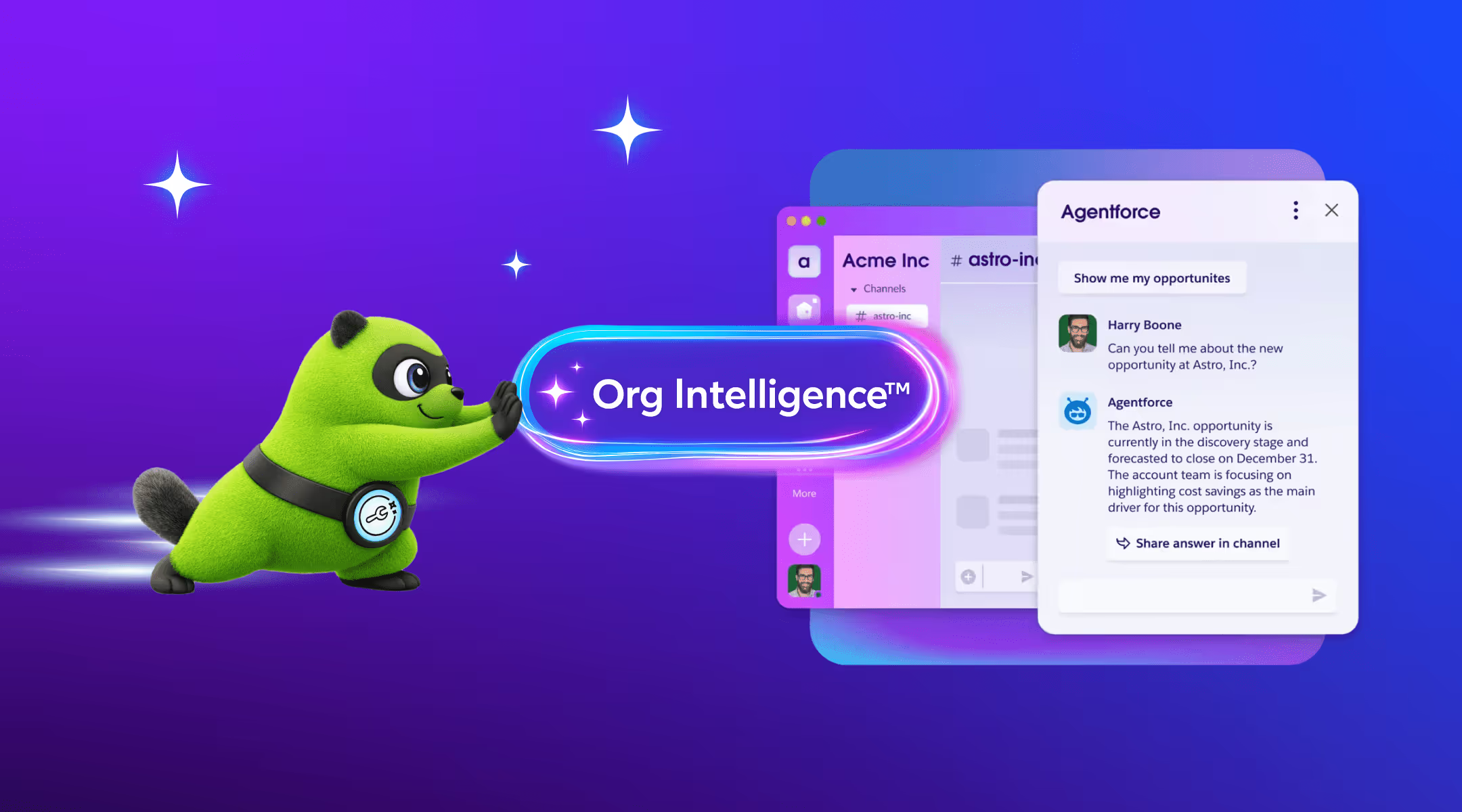
With solutions like Org Intelligence to connect your Salesforce ecosystem and deliver AI-powered optimizations at every step—all implemented by a partner who lives in the DevOps world—Copado is the ideal partner for teams seeking to adapt to modern realities.
Curious how it all works? Try a free demo today.
Sources:
1Atlassian. State of Developer Experience Report 2025. https://www.atlassian.com/teams/software-development/state-of-developer-experience-2025
2Forbes. Understanding The Change Failure Rate. https://www.forbes.com/councils/theyec/2022/12/15/understanding-the-change-failure-rate/
Release Faster, Eliminate Risk, and Enjoy Your Work.
Try Copado Devops.
Explore our DevOps resource library. Level up your Salesforce DevOps skills today.


.avif)


.svg)